
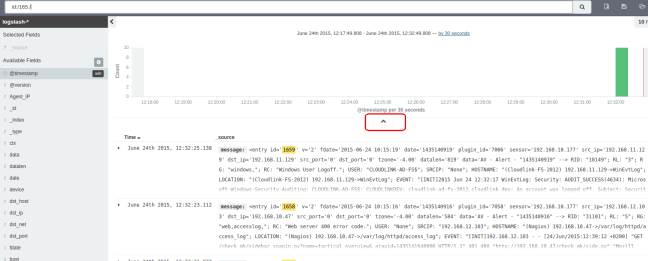
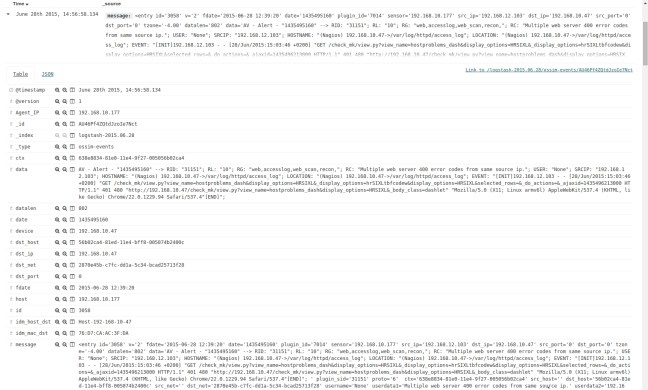
Note: the following requires the "jq" json parser, available from: http://stedolan.github.io/jq/ 1. Run the desired query through the Kibana WebUI 2. Expand the additional options pane by clicking on the arrow underneath the graph as indicated in the below screenshot: 3. Select “Request” and copy the request displayed: 4. Open a linux terminal and use the … Continue reading ELK : exporting to CSV
ELK : exporting to CSV
 David Vassallo's Blog
You must be logged in to post a comment.